








What Is Integrated Inventory Management?
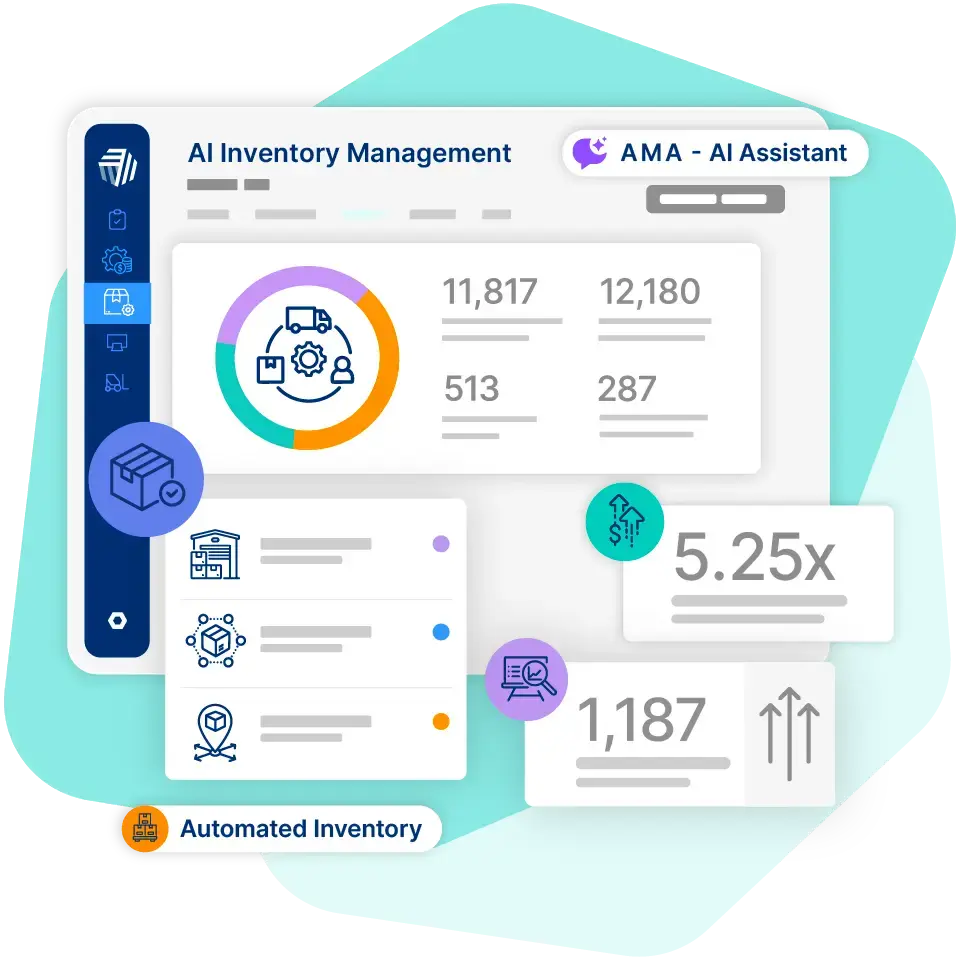
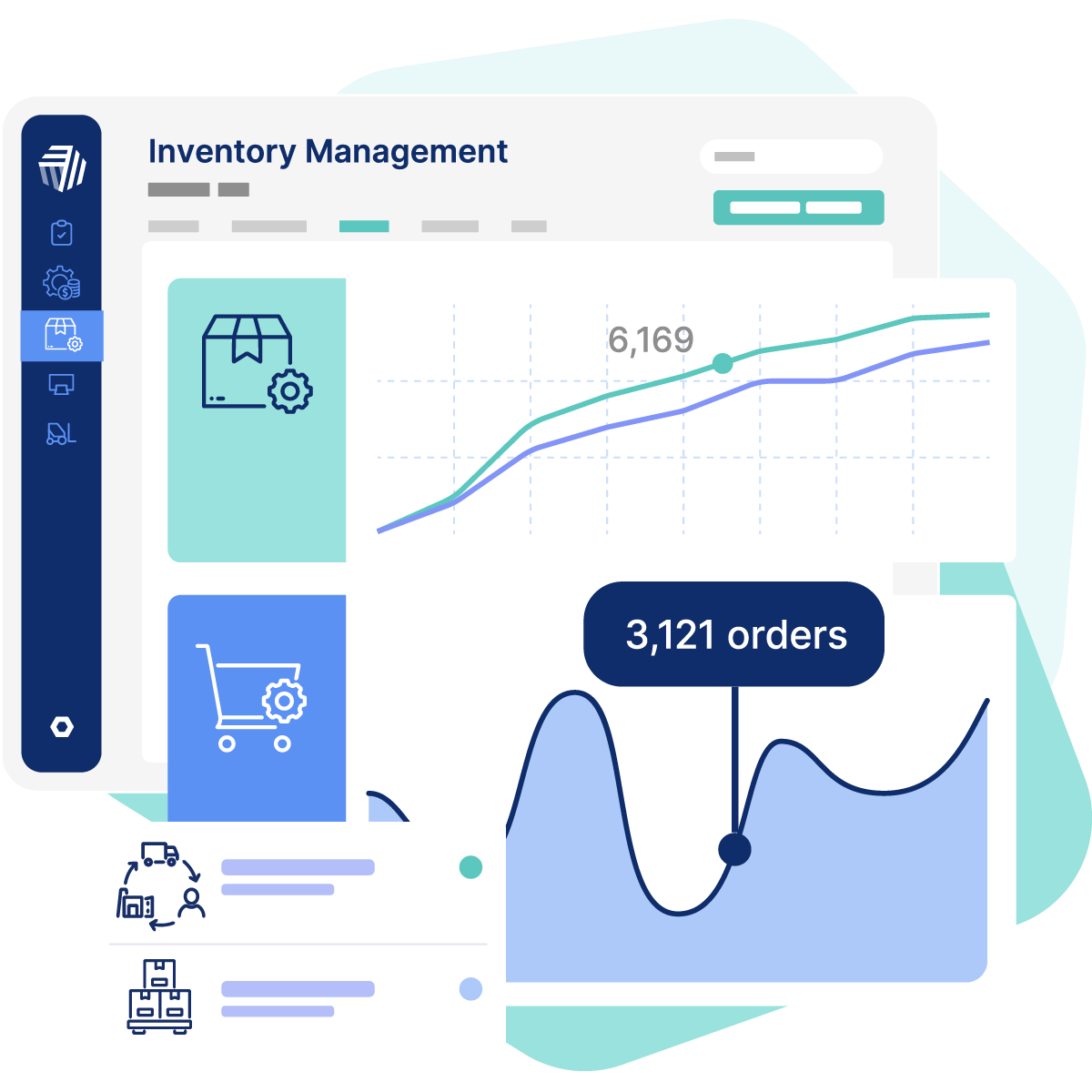
Integrated inventory management is the practice of connecting all your inventory data, stock levels, order statuses, costs, and locations, into one centralized system that updates in real time across every team and sales channel.
Instead of siloed functions (sales, warehousing, and purchasing) each keeping separate records, an integrated system connects everyone in real time. Inventory information, including stock levels, item locations, and order statuses, updates automatically across the organization. All teams work from the same up-to-date data, which makes it easier to coordinate and make better decisions. And it works both ways: data from sales analytics, marketing campaigns, or regional trends flows back into the inventory system. This lets you proactively shift stock or adjust replenishment before demand changes catch you off guard.
Integrated inventory management also supports broader inventory management strategies. It lets businesses unify workflows across purchasing, warehousing, sales, and fulfillment. This is crucial when multiple independent suppliers are involved, such as in dropshipping inventory management.
Key Takeaways
- Centralized Truth: Bring stock levels, orders, and costs into one system so every team works from the same real-time data.
- Operational Efficiency: Cut manual reconciliation and automate routine tasks to help your team move faster with fewer errors.
- Cost Optimization: Use clearer visibility to avoid overstocking, prevent stockouts, and keep carrying costs in check.
- Scalable Solutions: Choose connected inventory tools that support more products, channels, and locations as you grow.
Below, we'll walk you through the core features of an integrated inventory management system, the biggest advantages it offers small and medium-sized businesses, the challenges you might run into during implementation, and what to look for when you're comparing different solutions.
Key Features of Integrated Inventory Management Systems
An integrated inventory management system comprises several core features that work together to provide businesses with complete visibility and control over their inventory.
Centralized Data Repository
With an integrated inventory management system, key inventory data, stock levels, costs, sales, purchase orders, customer orders, and even financial records, lives in a single, unified database. This creates a single source of truth, eliminating confusion and conflicts, enabling faster and smarter decisions, and improving collaboration. Having accurate, real-time data about inventory levels ensures better planning and demand management.
Real-Time Information Synchronization
Any action in one connected system instantly updates inventory records across all other systems. For example, a sale made online, in a physical store, or through a marketplace immediately reduces the available stock count across all channels. This prevents overselling and gives your customers consistent, accurate information about product availability, whether they're browsing your website, checking a marketplace listing, or deciding whether to visit a physical store. That kind of transparency builds confidence and keeps shoppers coming back.
Multi-Location Inventory Management
An integrated system enables businesses to manage stock across multiple warehouses or stores from a single, centralized dashboard. Managing supply chain activities through integrated inventory systems reduces manual labor and enhances accuracy. For example, you can view exact stock quantities at each location, transfer products between sites, and allocate stock based on sales trends.
Automated Inventory Workflows
Many integrated inventory management systems can be configured to automatically perform routine inventory tasks. These include:
- Automated reordering: Generate purchase orders automatically when stock falls below minimum levels.
- Automated order fulfillment: Check availability, reserve stock, and update order status across channels instantly.
- Automated pricing adjustments: Apply discounts automatically when inventory exceeds thresholds or ages.
- Automated stock transfers: Trigger transfers automatically when one location runs low and another has surplus.
Comprehensive Transaction History and Audit Trail
With integrated inventory management systems, every inventory change is recorded. Including who handled the item, when it moved, and where it went. This creates a complete and comprehensive audit trail, which is essential for financial reconciliation, regulatory compliance verification, and maintaining accountability across the supply chain.
Benefits of Integrated Inventory Management Systems
So what do you actually stand to gain by implementing an integrated inventory management system? Let's look at the most notable perks.
Greater Efficiency Across Operations
Integrated inventory management improves operational efficiency by helping you manage inventory tasks more quickly, accurately, and with minimal wasted effort.
Consider this: teams at businesses with disconnected systems can spend 16 hours a week just syncing inventory across channels. That's time (and money) you get back when everything's connected.
An integrated system eliminates the need for manual data reconciliation between systems, departments, or sales channels.
On top of that, automation handles routine tasks like reordering, stock allocation, and transfers, freeing up your team to focus on higher-value activities like strategic planning and customer service.
Lower Costs Through Optimized Stock Levels
Integrated inventory management gives you complete visibility of your inventory across all locations and sales channels. You can track the amount of stock available, where it's sitting, and how fast it's selling.
This insight lets you set precise minimum and maximum stock levels for each product. That means you're not overstocking, which ties up capital and increases storage costs. You're also not understocking, which leads to lost sales or costly rush orders.
In short, the system helps you keep the right inventory, in the right place, at the right time.
Improved Inventory Accuracy and Reduced Errors
More than 60% of retail inventory records contain inaccuracies, according to ECR Retail Loss Group research. A major contributor is reliance on manual processes.
With an integrated inventory management system, all key transactions, sales, returns, stock transfers, purchase orders, are recorded in real time and synced automatically across every connected system. That means less manual data entry and better accuracy across your entire operation.
Greater Business Flexibility
Integrated inventory management significantly improves your flexibility and ability to adapt. Because you have centralized, real-time visibility into all stock, you can make quick, informed decisions when conditions change.
For example, if demand suddenly spikes at one store, you can quickly locate surplus stock at other locations and transfer it where it's needed. Or, if sales analytics highlight rising demand in a specific region, you can shift inventory proactively.
Stronger Collaboration Across Teams
With all inventory data accessible in one place, departments like sales, procurement, warehousing, and finance work from the same source of truth. This shared visibility reduces confusion, duplicate work, and conflicting stock reservations.
By linking teams through an integrated inventory management software platform, collaboration becomes faster and more data-driven.
Challenges of Implementing Integrated Inventory Management Systems and How to Solve Them
| Challenge | Impact | Solution |
|---|---|---|
| High Implementation Costs | Significant upfront investment required. | Choose scalable, cloud-based solutions with flexible pricing. |
| Resistance to Change | Slower adoption and potential errors during transition. | Use clear communication, training, and early employee involvement. |
| Data Migration | Inconsistent or duplicate records during system transfer. | Audit data, cleanse before migration, and pilot test. |
High Implementation Costs
Implementing an integrated inventory system can require a significant upfront investment. To keep costs manageable, look for scalable, cloud-based solutions, like inventory management software features, that offer flexible pricing and modular adoption. It's also worth running a cost-benefit analysis to make sure the expected return justifies the spend.
Resistance to Change
Employees accustomed to legacy processes may resist adopting a new system. They may fear additional workload, job changes, or unfamiliar technology. Resistance can slow down adoption, reduce system effectiveness, and lead to errors during the transition.
To overcome this challenge, use clear communication and structured change management. Begin by explaining how the new system will reduce manual work, expedite order processing, and enhance accuracy. Provide thorough, hands-on training and ongoing support.
Involve employees early in testing and feedback to build confidence and ownership.
Data Migration Challenges
Migrating from multiple legacy systems to a unified platform can be a complex process. Inconsistent, incomplete, or incompatible data may cause inaccurate inventory counts, duplicate records, or reporting errors.
To minimize these issues, conduct a detailed data audit to identify gaps and duplicates before migration. Cleanse and standardize data to ensure accuracy and consistency. It's also best to run a pilot migration using a smaller dataset.
Identify potential issues and refine your process before full deployment.
Integration With Existing Systems
Businesses often operate multiple systems for accounting, sales, e-commerce, and warehouse management. Integrating these with a new inventory platform can be technically challenging, particularly if older systems are incompatible or poorly documented.
To mitigate this challenge, choose an inventory management system that supports APIs. Look for pre-built connectors for key software like ERP, CRM, or e-commerce platforms.
Consider hiring experienced IT specialists or consultants familiar with your systems. In some cases, replacing outdated or incompatible systems may be simpler and more cost-effective than attempting complex integrations.
The most common integration scenarios include connections with warehouse, financial, e-commerce, and CRM tools. Prioritize compatibility with those systems first.
Seamless integration minimizes disruptions and improves outcomes.
Complexity of Customization
Off-the-shelf inventory systems may not fully align with your business's specific processes. This can lead to gaps in functionality or the need for extensive customization. Unfortunately, too much customization can increase costs, complicate future updates, and slow system performance.
To reduce these risks, select software that already aligns with most of your workflows. Limit customizations to features that directly improve efficiency, accuracy, or customer service. Avoid adding custom elements just because they "would be nice."
Focus on changes that drive measurable value.
Implementation Best Practices for Success
Conduct a Thorough Needs Assessment
Before you select or deploy a system, clearly define your business requirements, current pain points, and operational goals. Figure out which inventory processes need improvement, which departments will use the system, and what data needs to be integrated. This groundwork helps you pick a system that actually fits your workflows and makes sure it delivers real value across your entire operation.
Involve Key Stakeholders Early
Include representatives from procurement, warehouse, sales, finance, and IT during the planning stage. Their input makes sure that the system meets the practical needs of each department. Early involvement also helps build buy-in and reduces resistance from teams who will rely on the system daily.
Invest in Comprehensive Training
Provide hands-on training tailored to each user's role. Create guides, tutorials, and quick reference materials to support learning.
Continuous support after go-live is also important. Staff may encounter new scenarios and questions during daily operations.
Properly trained users are more likely to use the system effectively and make fewer mistakes with it.
Standardize Processes Before Rollout
Introducing a new inventory system is the perfect time to standardize how your business handles inventory. Define clear workflows and operational standards for all key activities such as receiving shipments, tracking stock, fulfilling orders, and generating reports.
This standardization simplifies system setup because the inventory software can be configured around consistent procedures. It also makes the system easier to manage on an ongoing basis and reduces mistakes caused by inconsistent practices.
It ensures that staff understand exactly how to perform tasks.
Establish Clear Metrics and KPIs
Set measurable goals to evaluate the performance of your inventory system. Track key metrics, including inventory accuracy, order fulfillment times, stock turnover, and cost savings. Regularly monitoring these KPIs helps pinpoint inefficiencies and highlights areas for improvement.
It provides clear evidence of the system's value to stakeholders and allows you to make data-driven decisions that continuously enhance inventory management.
Maintain Ongoing Support and Continuous Improvement
Plan for regular maintenance, software updates, and system audits to ensure optimal performance and security. Encourage users to provide feedback so you can identify gaps, inefficiencies, or emerging needs. Taking these proactive steps makes sure the system evolves with your business, stays aligned with operational requirements, and maintains long-term effectiveness.
What to Look for in an Integrated Inventory Solution
Customizable Reporting and Dashboards
A good integrated inventory solution should offer customizable dashboards or reports. This allows users to prioritize the most relevant data for their role or goals and make faster, more informed decisions without unnecessary distractions.
User-Friendly Interface
Choose software with an intuitive interface, clear navigation, and easily accessible functions. A user-friendly design reduces training time, minimizes errors, and encourages consistent use across departments.
Mobile Accessibility
Inventory teams often need to use the system while away from a desk. A solution with mobile accessibility allows employees to monitor stock, approve orders, or view reports directly from their smartphones or tablets. This improves overall business responsiveness, reduces delays in decision-making, and generally makes sure operations run smoothly from any location.
Scalability for Future Growth
A suitable system should grow with your business. It should accommodate increasing numbers of products, users, and locations without requiring a complete overhaul, costly upgrades, or performance slowdown.
Security and Access Control
Inventory systems contain sensitive operational and financial data. Look for a solution that offers robust security features, such as role-based access controls, audit trails, and encryption, to protect your information.
Vendor Support and Reliability
Reliable vendor support is vital for a successful implementation and ongoing system performance. Choose a provider with a proven track record of responsive customer service, clear guidance for troubleshooting and updates, and comprehensive training resources. Strong vendor support can help reduce instances of downtime and make sure your system continues to operate effectively.
Integrated Inventory Management Use Cases and Industries
Integrated inventory management earns its keep anywhere stock moves across more than one channel or location. Here's how it plays out across three common scenarios.
E-commerce and Omnichannel Retail
When you sell on your website, in stores, and across marketplaces, stock has to stay accurate everywhere at once. Integrated inventory keeps a single, real-time count so multichannel selling doesn't turn into constant overselling and refunds. That's exactly the challenge Dock & Bay, a quick-dry beach-towel brand, set out to solve. They sell through Amazon, regional Shopify B2B and D2C stores, and marketplaces like The Iconic and Nordstrom, while running 10 warehouses (five regional 3PLs plus Amazon fulfillment) across the UK, US, Canada, Europe, and Australia. With Cin7 as their single source of truth, overselling was nearly eliminated, customer-service issues dropped significantly, and they sailed through Black Friday with no issues and no need to grow the ops team.
Wholesale and Distribution
Wholesalers and distributors juggle bulk orders, tiered pricing, and stock spread across sites. Connecting order management with live inventory means every B2B order draws from accurate availability, and running multiple warehouses or 3PLs stays coordinated from one dashboard.
Manufacturing
Manufacturers track raw materials, work in progress, and finished goods all at once. An integrated system ties production to real-time stock levels, so you can plan builds around what you actually have on hand. If your team is still stitching this together by hand, here's how moving off spreadsheets to a connected system usually pays off.
Integrating Your Inventory Management With Cin7
Integrated inventory management gives you a unified, real-time view of inventory across departments, locations, and sales channels. The benefits? Improved operational efficiency, greater accuracy, increased flexibility, reduced costs and waste, and stronger team collaboration. Our all-in-one platform integrates all your inventory functions (purchasing, warehousing, sales, and fulfillment) into a single, centralized solution.
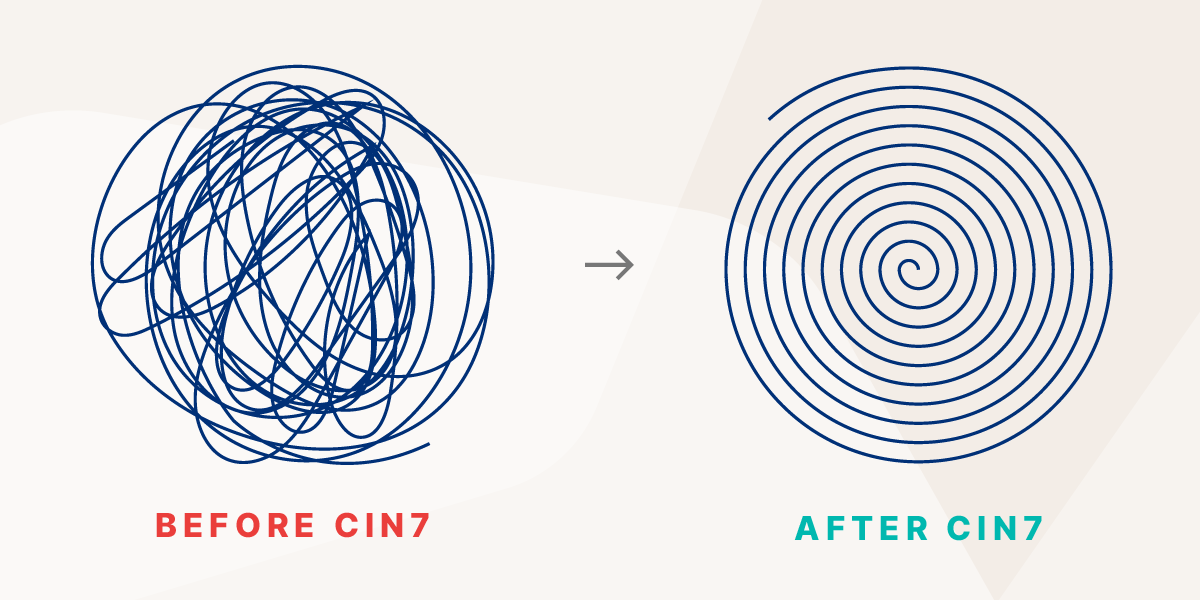
Designed for small and medium-sized businesses, Cin7 comes packed with powerful capabilities, including:
- Real-time stock tracking.
- Automated reordering.
- Multi-location management.
- Batch and serial number tracking.
- AI-powered inventory forecasting.
- Customizable dashboards and reporting.
Together, these features give you maximum control and visibility over your inventory.
Start a free trial of Cin7 today to experience how an integrated inventory management solution can help you scale smarter and streamline operations.
Frequently Asked Questions
What is integrated inventory management?
Integrated inventory management connects all your stock data, across your sales channels, warehouses, and departments, into one central system. Instead of manually syncing spreadsheets between your sales team, warehouse staff, and purchasing department, everything updates automatically in real time.
The result? Less confusion, fewer errors, and a clear picture of what you have and where it is at any given moment.
What is VMI and how does it work?
Vendor-managed inventory (VMI) is when suppliers monitor and replenish customer stock levels directly. Industrial distributors like Graybar use VMI to automatically refill customer stockrooms, keeping inventory balanced without overstocking or causing stockouts.
What's the difference between an IMS and an ERP?
An inventory management system (IMS) is purpose-built to track and manage your stock, things like inventory levels, purchase orders, and warehouse movements. An ERP (enterprise resource planning) system is a much broader platform that covers finance, HR, manufacturing, and more.
If you're a small or mid-sized business needing powerful inventory control, an IMS is usually smarter than a full ERP.
How does just-in-time inventory work for companies like Amazon?
Just-in-time (JIT) inventory delivers products to customers on demand without storing excess stock in warehouses. Amazon uses JIT to fulfill orders quickly while minimizing storage costs and reducing the capital tied up in unsold inventory.
How do you know if your business needs integrated inventory management?
Signs it's time to integrate: managing stock across multiple locations or channels, teams working from conflicting data, or spending hours reconciling spreadsheets. Frequent stockouts, overselling, or slow order fulfillment are also red flags.
If getting a simple inventory report feels like solving a puzzle, that's your cue.
An integrated system pulls everything into one place so you can stop putting out fires and start making smarter decisions.
What Are the Types of Inventory Management Systems?
There are three main types. A perpetual system updates your stock counts in real time with every transaction, so your numbers are always current. A periodic system relies on physical counts at set intervals, like monthly or quarterly. And a just-in-time (JIT) system keeps stock as low as possible, ordering only what you need when you need it.
What Are the Methods of Inventory Control?
A few tried-and-true methods help you stay in control. FIFO and LIFO decide whether your oldest or newest stock sells first, while just-in-time (JIT) keeps inventory lean by ordering only as demand calls for it. ABC analysis ranks products by value so you can focus on what matters most, and economic order quantity (EOQ) calculates the ideal order size to keep costs down.
How Long Does It Take to Implement an Integrated Inventory Management System?
Most implementations take about four to eight weeks, though your timeline depends on how complex your data is, how many locations you run, and how many integrations you need. Clean, well-organized data and a phased rollout can speed things up nicely. The tidier your starting point, the faster you'll be up and running.
Is Inventory Data Secure in Cloud-Based Systems?
Yes. Reputable cloud-based systems protect your data with encryption, secure servers, role-based access controls, and audit trails that track every change. Before you commit, it's worth checking the vendor's compliance and security credentials so you know your information is in good hands.
What Is the 80/20 Rule in Inventory Management?
The 80/20 rule, also known as the Pareto principle, suggests that roughly 80% of your sales come from about 20% of your products. In other words, a small slice of your SKUs does most of the heavy lifting. Focus your tracking and stocking on those high-value items, and you'll get the biggest return for your attention.
More from the blog
View All Posts
Multichannel Inventory Management: Complete Guide for 2026
Read More
What Is Centralized Inventory Management Software?
Read More