








November 13, 2026
| 1 minute read
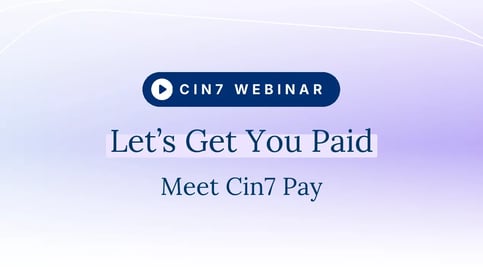
Make it easier for B2B customers to pay you and spend less time reconciling payments.
Follow a payment from your customer’s inbox to your books. Alex Garrison shows you how to set up Cin7 Pay, collect a deposit, and record the payment in your accounting system.
What you’ll learn:
- Send your first payment link. Set up Cin7 Pay, choose where payments are recorded, and send a link to your customer.
- Give customers more ways to pay. Collect deposits and invite customers to pay through a quote, invoice, email, or your B2B portal. You can also enter payment details over the phone or in person.
- Simplify reconciliation. See how Cin7 Pay automatically sends payments, fees, and revenue to Xero or QuickBooks Online.
- Accept international payments. Explore 130+ currencies, 20+ payment methods, and free fraud protection. See how receiving funds in multiple currencies can reduce conversion costs.
- Understand fees and payouts. Review standard rates, custom pricing, optional surcharging, and payout schedules, including daily payouts.
Meet the Speaker
Alex will walk you through getting started with Cin7 Pay and show you how to use it to complete everyday payments for your business.

Alex Garrison
Sr. Product Manager, Payments at Cin7
Alex Garrison
Sr. Product Manager, Payments at Cin7
Tag(s):
