







When you're choosing an ERP for your business, the biggest decision is cloud ERP vs. on-premise ERP. The right choice depends on your budget, your security needs, and how fast you plan to scale. It also comes down to whether you'd rather manage the system in-house or hand that work to a vendor.
As your business grows, you'll likely start adding software tools to manage operations: one for accounting, another for payroll, maybe one for inventory, and so on. Before you know it, you're juggling a handful of disconnected systems, and keeping tabs on all of them gets exhausting. That's where an enterprise resource planning (ERP) solution comes in, bringing everything together under one roof. But which type of ERP is right for you?
Key Takeaways
- Cloud ERP: Hosted by vendors (SaaS) with lower upfront costs.
- On-Premise ERP: Installed locally for maximum control and customization.
- Scalability: Cloud solutions scale easily; on-premise systems are hardware-limited.
- Maintenance: Cloud providers handle updates; on-premise requires internal IT.
- Total cost: Cloud usually wins over five years, while on-premise can pay off long term if you already own the infrastructure.
There's no one-size-fits-all answer here. The best choice depends on your growth goals, your budget, and your available resources. Many businesses lean toward cloud ERPs for their lower start-up costs and faster implementation, but on-premise ERPs still make sense for companies that need deeper control and customization. Below, we'll break down the differences, the pros, and the cons, so you can figure out which fits your business best.
What Is On-Premise ERP?
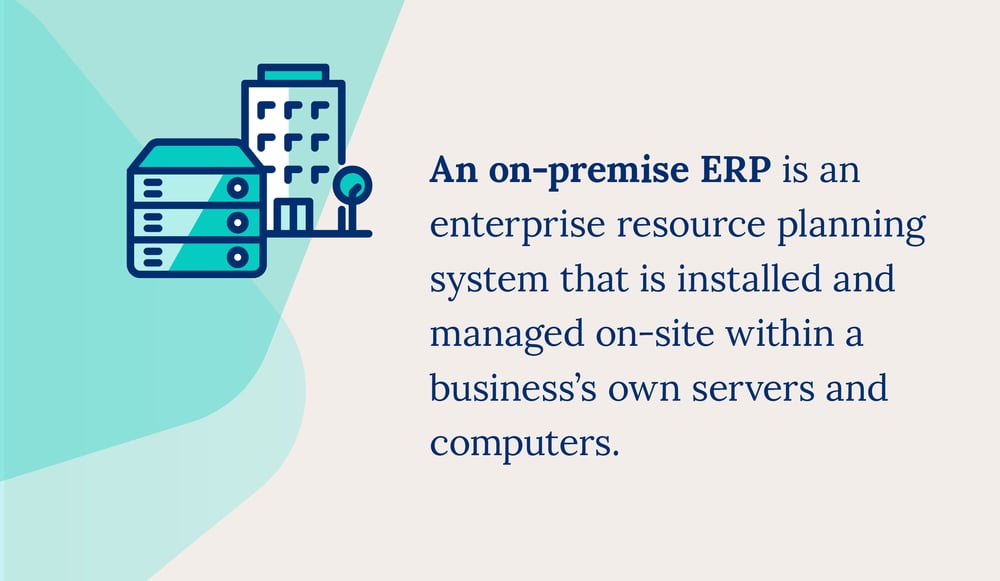
On-premise ERP is software you install and run on your own servers, so you own the hardware, the customization, and the upkeep. It's a type of enterprise resource planning system that lives locally. You typically pay for the software upfront, customize it to fit your needs, and rely on an internal IT team to keep everything running. If your business needs a high degree of control over its data and infrastructure, an on-premise ERP could be a good fit.
Pros
Hosted on your own servers, an on-premise ERP is highly customizable and secure. Large enterprises may choose on-premise over cloud because it allows total control over data. Here are some benefits of an on-premise ERP:
- Customization: Because on-premise systems are hosted entirely on-site, they offer more flexibility and customization options.
- Single payment: Rather than paying continually for a service, on-premise ERPs are usually paid for in full at installation.
- More reliable: Because on-premise ERPs don't rely on external servers, they're less likely to have connectivity issues.
- Greater security control: With all data stored locally, you control security and data protection. That said, it's on you (and your IT team) to stay on top of updates and patches, and outdated systems can actually increase vulnerability.
Cons
One of the biggest downsides to an on-premise ERP is the price of implementation. You're not just paying for the software itself. There are costs for servers, installation, data migration, and licensing, and that upfront investment may not be feasible for every business.
Here are some additional disadvantages of an on-premise ERP:
- High start-up costs: On-premise ERPs are paid for entirely when they're set up, which can be very expensive.
- Requires a dedicated IT team: You'll need an internal IT team to maintain servers, manage updates, and handle security, which adds ongoing labor costs. And if a server fails without a proper backup, your systems could go down for hours or even days.
- Less scalability: On-premise ERPs are limited by the hardware they're implemented with, so they can struggle to grow alongside your business. Plus, most ERP vendors are now focusing their innovation efforts on cloud-based solutions, so on-premise users may eventually miss out on new features.
- Slow implementation: Implementation can be time-consuming because it requires server installation.
What Is Cloud ERP?
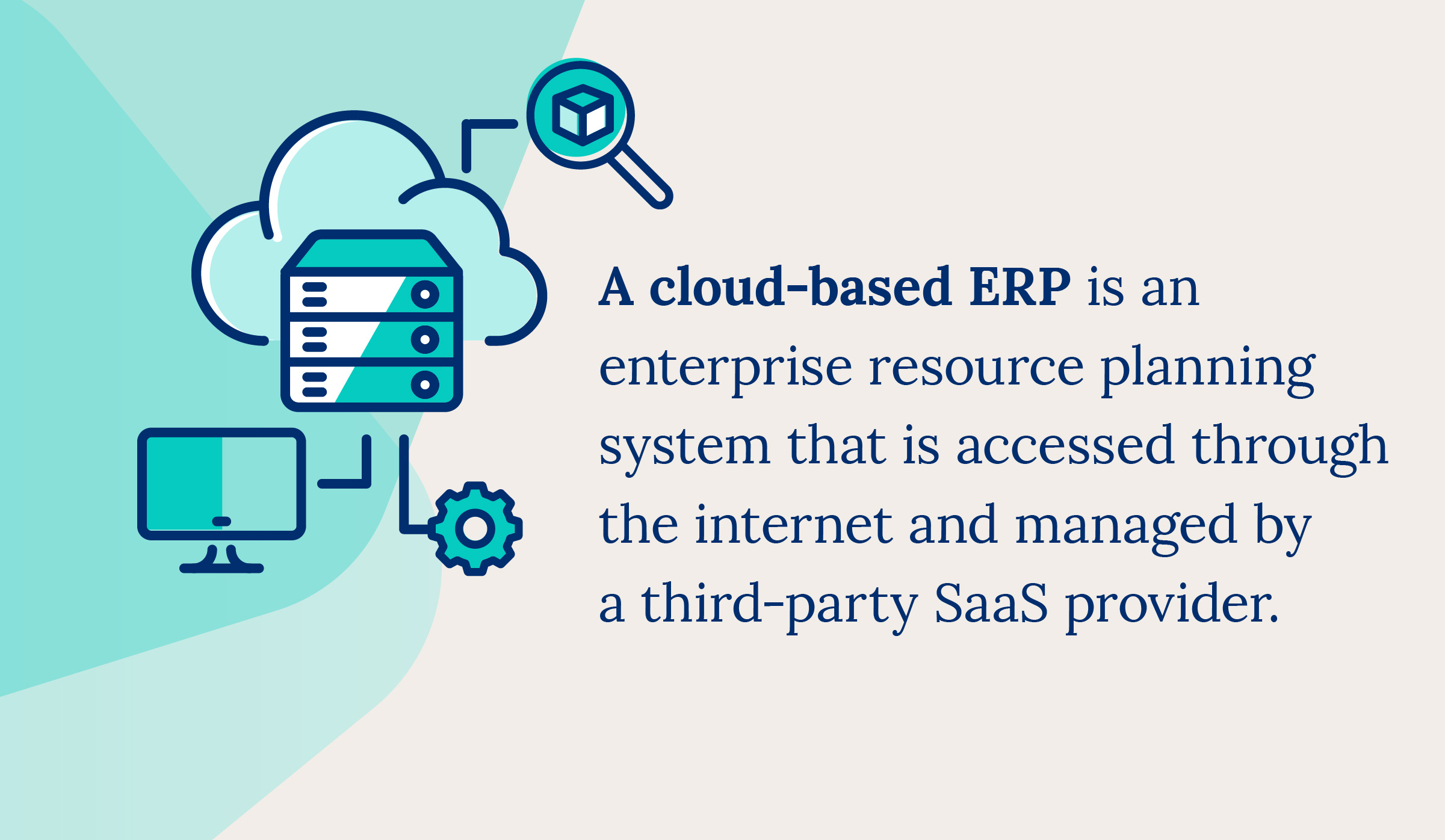
Cloud ERP is ERP software a vendor hosts and maintains for you, and you access it over the internet as software as a service (SaaS). You pay a subscription instead of buying servers, and the vendor handles the operations behind the scenes through a third-party platform. Cloud-based ERP works well for businesses of all sizes. In fact, 78.6% of new ERP deployments in 2024 chose cloud over on-premise, according to Panorama Consulting Group's 2024 survey.
Pros
Many businesses choose a cloud ERP because it costs far less to start and is quicker to implement than on-premise alternatives. It's also where most vendors are focusing their innovation efforts, including AI-driven forecasting and automation.
Here are some of the key benefits:
- Cost-effective: Monthly payments with no infrastructure costs.
- Maintenance included: No internal IT team needed.
- Scalability: Cloud ERPs scale easily and aren't limited by hardware.
- Fast implementation: Cloud rollouts often go live in a few months, sometimes in as little as around 100 days for a clean, single-entity setup, versus much longer for on-premise builds.
Cons
Cloud ERPs may not work for every business. They require ongoing payments and come with less control. Here are some additional disadvantages of cloud ERPs:
- Continual payments: While cheaper upfront, a cloud ERP is a service that requires regular payments. Over a long enough horizon, this can cost more than on-premise.
- Less customization and control: Customization options are more limited than on-premise, and advanced configurations may require additional subscriptions or fees. You'll also have less direct control over the underlying software.
- Reliant on the internet: Cloud-based ERPs depend entirely on an internet connection, which can make them less reliable in a spotty-connection environment.
- Less security control: Because it's hosted online, you have less direct control over security measures.
Cloud ERP vs. On-Premise ERP: Key Differences
The biggest difference is where the software is hosted, either locally or on cloud servers. (There's also a hybrid option that combines elements of both, but we'll focus on the two main models here.) Other considerations include start-up and ongoing costs, scalability, and how reliable the system is. Here's an overview of the key factors to weigh.
| Features | Cloud | On-premise |
|---|---|---|
| Cost | Monthly payments, potentially more expensive long term | Higher start-up costs |
| Scalability | Can grow with your business | Limited growth |
| Security | Less security control | Complete control over security and data protection |
| Customization | May be limited | Highly customizable |
| Implementation | Quick | Slow |
| Maintenance | Included as part of the service | Regular maintenance may be required at the expense of the business |
| Reliability | Risk associated with reliance on internet connection | More reliable |
How Cloud and On-Premise ERP Affect Your Supply Chain
Your ERP choice shapes how clearly you can see and steer your supply chain. Cloud ERP pulls purchasing, warehousing, and sales data into one real-time view you can reach from anywhere, which helps when you're coordinating multiple locations, sales channels, or third-party logistics partners. On-premise ERP can deliver the same data, but it's tied to your local servers, so remote sites and mobile teams often wait longer for updates.
For product businesses, that visibility gap is the whole ballgame. If you're managing stock across warehouses or channels, real-time supply chain visibility is what keeps you from overselling or sitting on dead stock. Cloud tools make that easier to reach as you grow, without buying more hardware every time you add a location.
Total Cost of Ownership: The Long Game
Cloud ERP usually costs less to start, but the smarter comparison is total cost of ownership (TCO) over five to ten years. Look past the sticker price and add up every real cost: licensing or subscriptions, hardware and refreshes, IT staff, maintenance, security, and upgrades.
On that basis, cloud usually wins in the medium term because you skip the servers, refreshes, and heavy IT overhead. In fact, cloud tends to be cheaper in year one, with the total cost of ownership crossover point typically landing in years four to six. That said, on-premise can still come out cheaper over a longer horizon if you already own paid-off infrastructure, keep a stable in-house IT team, and need deep customization the cloud can't match, as cost analyses point out.
The honest takeaway? Model your own numbers before you commit. Our ROI calculator can help you put real figures behind the decision instead of guessing.
How ERP Is Evolving in 2026
ERP is moving to the cloud, and AI is the reason the gap keeps widening. Cloud now accounts for the large majority of new deployments, and it's where vendors are pouring their AI and automation investment. That means features like AI demand forecasting and automated reordering tend to land in cloud products first.
You've probably seen the headlines asking what's replacing ERP, or whether AI will replace it. The short version: ERP isn't going away, but it's getting lighter and smarter. Plenty of growing businesses don't need a full enterprise ERP at all. A focused ERP for small business gives them the visibility and automation without the weight of a traditional system.
How to Choose Between Cloud-Based ERP vs. On-Premise ERP
Here's the thing: don't start with the deployment model. Start with what your business actually needs. Weigh your total cost of ownership, your growth stage, and your team's technical capacity. A fast-scaling business with a lean IT team will lean cloud, while an established company with paid-off servers and strict data rules may favor on-premise.
As industry experts point out, your functional requirements should drive the decision, not the other way around. Weigh factors like upfront costs versus ongoing fees, customization needs, scalability, and whether you have the IT resources to manage things in-house.
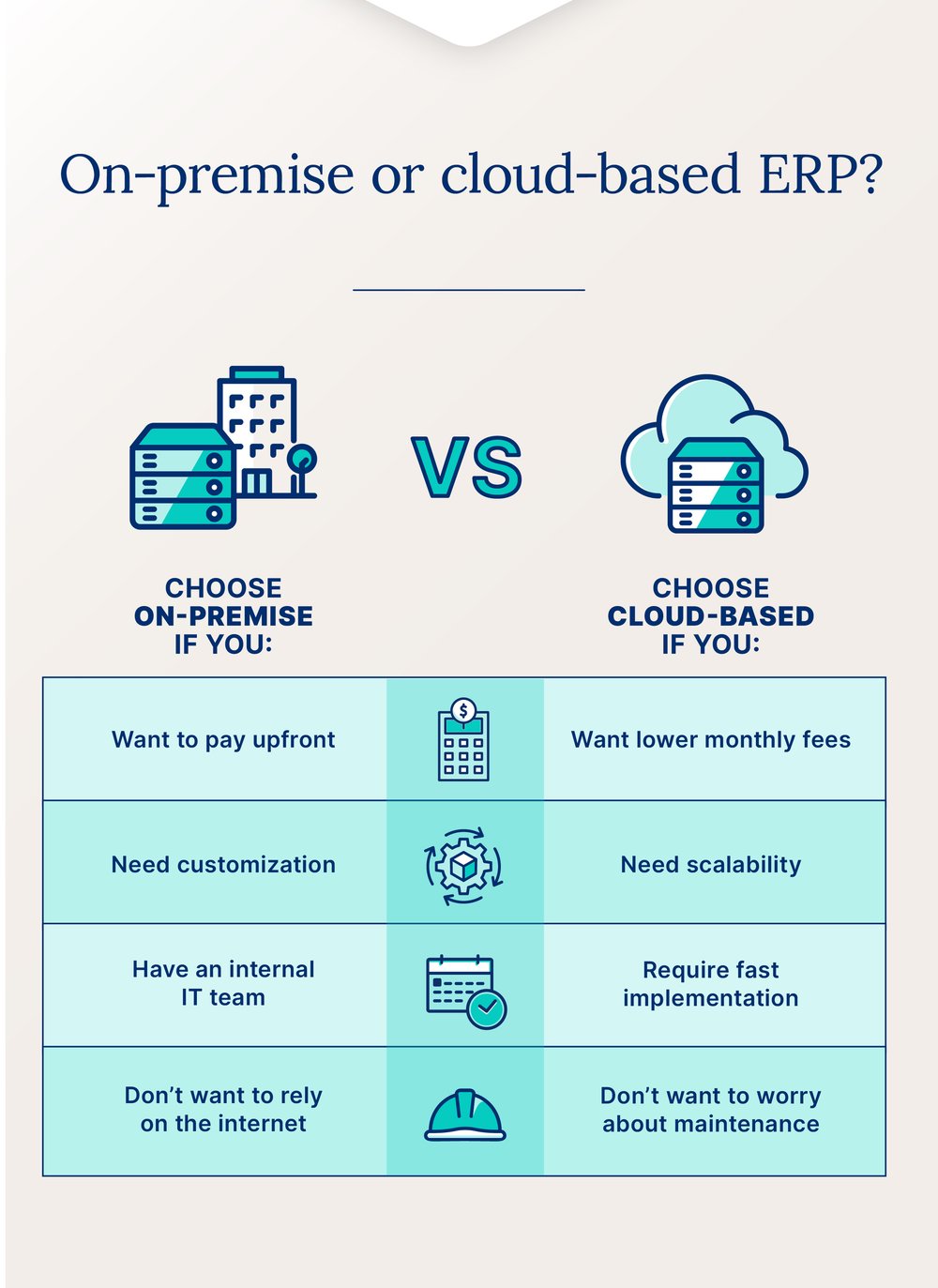
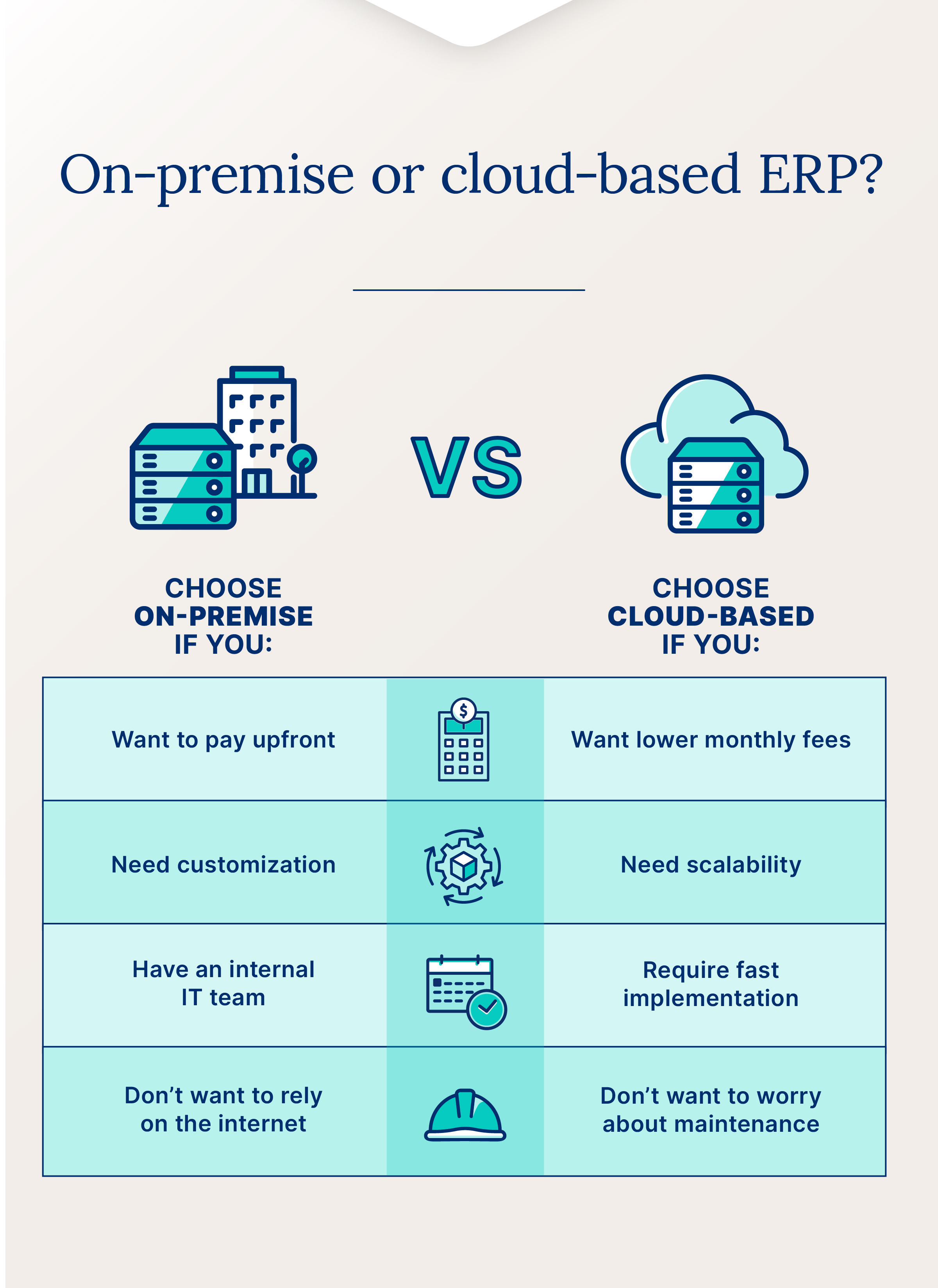
Consider an in-house, on-premise ERP if you:
- Prefer to pay upfront for your solution
- Require a high degree of customization
- Have an internal IT team that can handle maintenance and security
- Don't want to be reliant on the internet
Consider an outsourced, cloud-based ERP if you:
- Prefer to pay a lower monthly fee
- Require a scalable solution
- Want fast implementation
- Don't want to worry about maintenance or upgrades
Manage Your Business With Cin7
The right choice depends on your budget, your growth plans, and how much control you want. If you need cloud-based inventory management without traditional ERP complexity, we can help. With Cin7, you can manage your inventory, production, warehousing, sales, logistics, and accounting from one platform. Easily add new sales channels, get better supply chain visibility, and gain the flexibility to stay ahead of the competition.
Take Lofta, a sleep wellness e-commerce business. When its ERP vendor was acquired and abruptly shut down, Lofta needed a simple, scalable system, and fast. After weighing Fishbowl, Acumatica, and Oracle NetSuite, the team chose Cin7. See how Lofta rebuilt its operations on Cin7 with real-time inventory, tailored healthcare-compliance workflows, and faster fulfillment. Request a demo to see how Cin7 can work for you!
Frequently Asked Questions
What Is On-Premise ERP?
On-premise ERP is installed on your own servers in your building. You pay for it upfront, your IT team manages it, and all your data stays on-site. Because everything lives on your own infrastructure, you get full control over how the system is configured and how your data is protected. It's a popular choice for larger enterprises that need deep customization or have strict data security requirements they'd rather manage in-house.
Is Cloud-Based ERP Better Than On-Premise ERP?
Neither is universally better. Cloud ERP offers lower upfront costs and faster scalability, while on-premise ERP provides deeper customization and full control over data. The right choice depends on your budget, your IT resources, and how much control you want over your infrastructure.
Is On-Premise ERP Becoming Obsolete?
Not quite, but it's fair to say the spotlight has shifted. Most ERP vendors are pouring their development resources into cloud-based solutions these days. That means on-premise users often wait longer for new features and may eventually hit a ceiling on innovation.
That said, on-premise ERP isn't going away anytime soon. It's still stable, well-supported, and the right call for businesses with strict data compliance requirements or heavily customized setups. The honest answer? On-premise isn't obsolete, but it's worth asking how long your vendor plans to keep investing in it.
What Happens to My Business if an On-Premise Server Goes Down?
When an on-premise server fails, things can come to a pretty quick halt. You may lose access to your ERP, point-of-sale system, and other server-dependent tools, and that can take hours or days to fix.
If recent backups weren't run, you could also lose data entered since the last save: lost orders, inventory updates, and customer records. Cloud ERP sidesteps this risk because your data lives on external servers with built-in redundancy. Recovery is typically faster and handled by the vendor, not your IT team.
How Do Cloud ERP and On-Premise ERP Costs Compare Over Time?
Cloud ERP costs less to start because you pay a subscription instead of buying servers, but those payments continue for as long as you use it. On-premise ERP flips that: a big upfront investment, then lower running costs once your infrastructure is paid off. Over a multi-year window, cloud often costs less once you factor in hardware, IT staff, and upgrades, though the crossover point where on-premise can pull ahead often lands a few years in. Model your own numbers over five to ten years before you decide.
Is Cloud ERP More Secure Than On-Premise ERP?
Neither is automatically safer. Cloud vendors invest heavily in encryption, monitoring, and redundancy, and they patch systems for you. On-premise gives you full control over security, but that control is only as strong as your own IT team and update schedule. The right answer depends on your compliance needs and whether you'd rather own security in-house or trust a vendor.
Can I Use Both Cloud and On-Premise ERP in a Hybrid Setup?
Yes. A hybrid setup keeps some functions on local servers while running others in the cloud, which appeals to businesses with strict data rules that still want cloud flexibility. It can be a smart bridge if you're migrating gradually. Just know that maintaining two environments adds complexity and cost, so it works best when there's a clear reason to split.
Is ERP Being Replaced by AI or Newer Tools?
Not replaced, but reshaped. AI is being built into ERP for demand forecasting, automation, and smarter reporting, so the software is getting more capable, not less relevant. What's changing is that many growing businesses skip heavy enterprise ERP in favor of lighter, cloud-based tools that cover the essentials. For a lot of product businesses, an inventory-focused platform does the job without the enterprise price tag.
Do Small Businesses Really Need a Full ERP?
Often, no. A full enterprise ERP can be more system than a smaller business needs, and more than its budget wants. What most product businesses actually need is real-time inventory, order, and purchasing visibility in one place. That's where an inventory management system, sometimes called an ERP for small business, gives you the control without the complexity.
More from the blog
View All Posts
What is ERP? Definition, Industry-Specific Uses & Examples
Read More
The 8 Best Small Business ERP Systems for 2026
Read More