





The average small retailer in the U.S. experiences just 63% inventory accuracy — and human error is the leading cause. This can have serious implications for your business, from overstocking to lost sales. And, if you’re still using spreadsheets to manage inventory, you have a much higher risk of human error. The good news is that inventory management software can help, and there are many solutions to choose from.
The best inventory management software can work wonders for your business — offering extensive features ranging from built-in EDI capabilities to barcode scanners, EPOS systems, and more.
Investing in inventory management software can significantly cut back on errors, reduce inefficiencies, and ultimately save you a lot of time and money. When researching the best software for your business, it’s important to consider the features that are most applicable to your industry, what makes the most sense for your business needs, and your company size. Here are 10 of the best inventory management software solutions, who they’re the best fit for, their prices, and some key features.
The Best Inventory Management Software
Methodology: To compile our list, we evaluated software solutions capable of offering uniquely different features and varying in the markets they serve. To solidify our rankings, we weighed the number of features, prices, and user reviews of each option.
1. Cin7
Best overall option
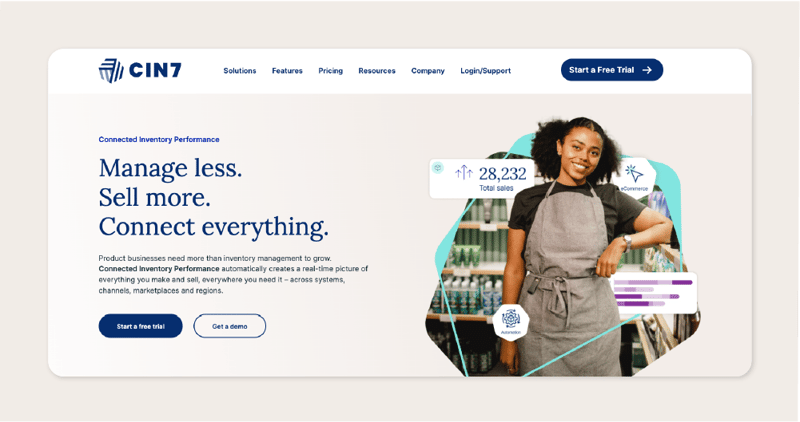
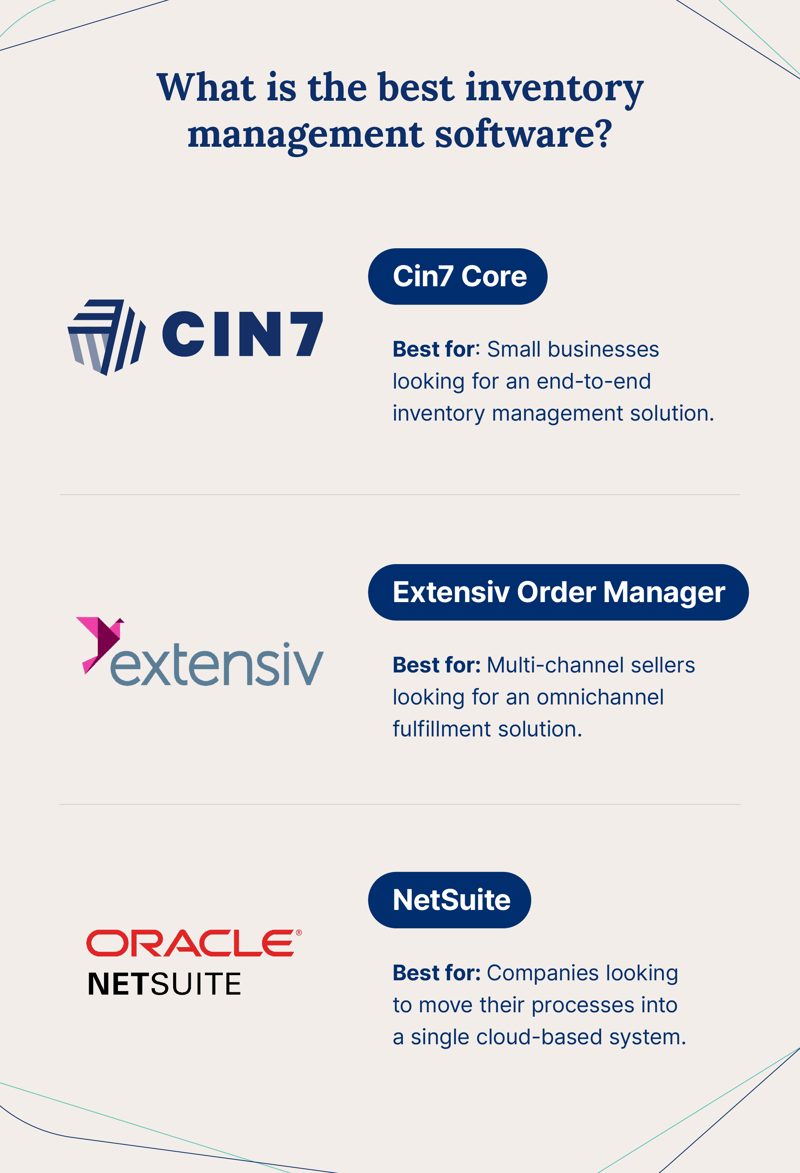
Why we picked it: Named the best inventory management software by Forbes and U.S. News, Cin7 stands out by offering two elite software solutions — Core and Omni — designed to meet the needs of businesses in several different industries that require advanced warehouse management and operational visibility.
Cin7 Core is a comprehensive solution that helps small businesses track inventory, manage sales, and reach more customers. By integrating with numerous sales channels like Shopify and Amazon, Core lets business owners track sales from any device. Designed to be an out-of-the-box solution, Core additionally automates your workflow so you can focus exclusively on running your business smoothly while the software does the rest. It also provides real-time insights into stock levels, helping businesses avoid costly stockouts.
Cin7 Omni is a top choice for companies looking for a scalable and fully customizable product. It supports native EDI connections and third-party logistics (3PL) connections. With Omni, businesses can connect with over 700 tools and work to expand their sales channels and reach new customers. With products, stock locations, sales, and reporting all in one place, Omni empowers product sellers to run business operations smoothly without the hassle of shuffling through spreadsheets to manage sales and reporting.
Cin7 has also introduced Connected Inventory Performance, an advanced inventory system that streamlines inventory management with real-time visibility, automation, and integrations. It eliminates manual tasks, reduces cash flow waste, improves customer experience, and solves inventory inefficiency. Acting as a single source of truth also helps enhance sales efficiency.
Pricing
Core:
- Standard: $349/month
- Pro: $599/month
- Advanced: $999/month
Omni:
- Available on request
Free trial: A free trial of Cin7 Core is available for 14 days
| Pros | Cons |
| Comprehensive inventory management | Slight learning curve |
| Scalability | |
| Integration with sales channels | |
| Workflow automation | |
| Integrates with 700+ tools |
2. Extensiv
Best for omnichannel fulfillment
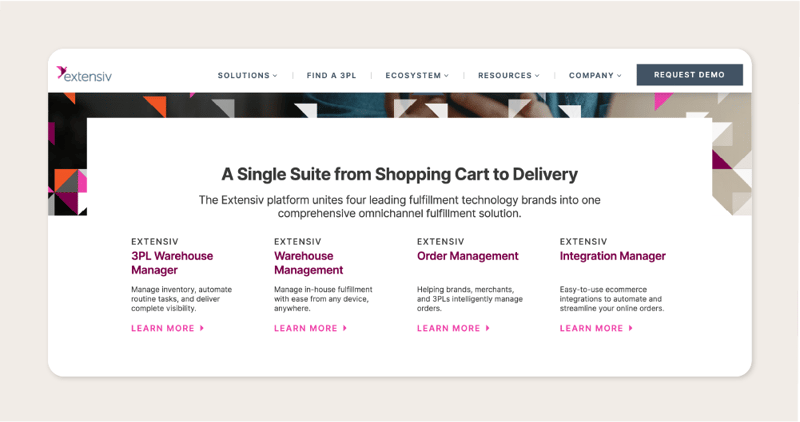
Why we picked it: Formerly Skubana, Extensiv Order Manager allows you to sell large volumes of items on virtually every online marketplace, such as Amazon, eBay, Walmart, and more. Great for online sellers wanting to automate dropshipping tasks, Extensiv Order Manager makes connecting marketplace partners with fulfillment centers easy.
By integrating with numerous marketplaces and order management software (including Cin7), Extensiv Order Manager allows online sellers to build and scale their online marketplace with ease.
Pricing
- Merchant: $39/month
- EDI Merchant: $99/month
- 3PL: $99/month
- Master Account: $199/month
Free trial: 30-day free trial
| Pros | Cons |
| Omnichannel fulfillment solution | Customization limitations |
| Automate dropshipping tasks | Limited reporting features |
| Integration with multiple marketplaces and order management software |
3. NetSuite
Best for mid-size to large companies
Why we picked it: For large multi-location brands, NetSuite is a solid ERP software option. NetSuite’s advanced platform allows enterprise companies to automate complex processes and operate more efficiently.
NetSuite has various features that make it a strong choice for large companies looking to centralize their data into a single solution. To help businesses improve efficiency, NetSuite includes a built-in financial management solution that automates accounting tasks and tracks financial data.
Pricing
- Available on request
Free trial: No free trial; product tour available upon request
| Pros | Cons |
| Cloud-based system integration | Not suited for small businesses |
| Automation for complex processes | No free trial |
| Centralized data | Less intuitive user interface |
4. inFlow
Best for B2B and wholesale
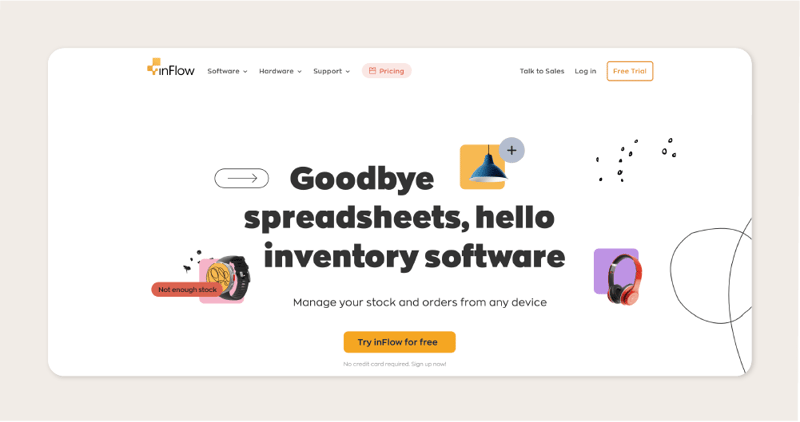
Why we picked it: A solid choice for B2B wholesalers and retailers, inFlow allows business owners to create B2B showrooms, scan and generate barcodes, send invoices and receipts, manage purchase orders and vendor history, and generate sales and industry reports.
Similar to Cin7, inFlow integrates with numerous sales channels like Shopify, WooCommerce, and Squarespace — among others. Additionally, the software automates sales and invoicing and provides location tracking after a customer places an online order.
Pricing
- Entrepreneur: $110/month
- Small Business: $279/month
- Mid-Size: $549/month
- Enterprise: $1,319/month
- Custom plans available
Free trial: 14-day free trial
| Pros | Cons |
| End-to-end inventory management solution | More expensive solution |
| B2B showroom creation | Limited scalability for enterprise organizations |
| Integration with numerous sales channels | Poor mobile app accessibility |
5. Katana
Best for small or large manufacturers
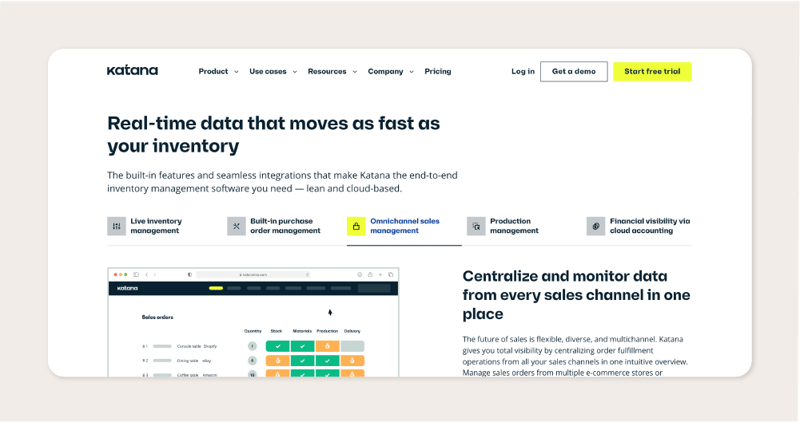
Why we picked it: Katana is known as a strong option in the manufacturing sector — offering an end-to-end software solution for manufacturers that comes with parts and assembly tracking, storage floor management, barcode tracking, third-party logistics, and more.
Katana’s manufacturing software allows businesses to store all their data in the cloud so owners can focus on smoothly running their businesses. By allowing you to create custom dashboards and automate sales and accounting processes, Katana makes it easy for manufacturers to streamline their operations.
Pricing
- Essential: $99/month
- Advanced: $299/month
- Professional: $799/month
- Enterprise: Available on request
Free trial: 14-day free trial
| Pros | Cons |
| Parts and assembly tracking | More expensive solutions |
| Storage floor management | Can only designate full access to one person |
| Cloud-based storage for data accessibility |
6. Zoho
Best for startups
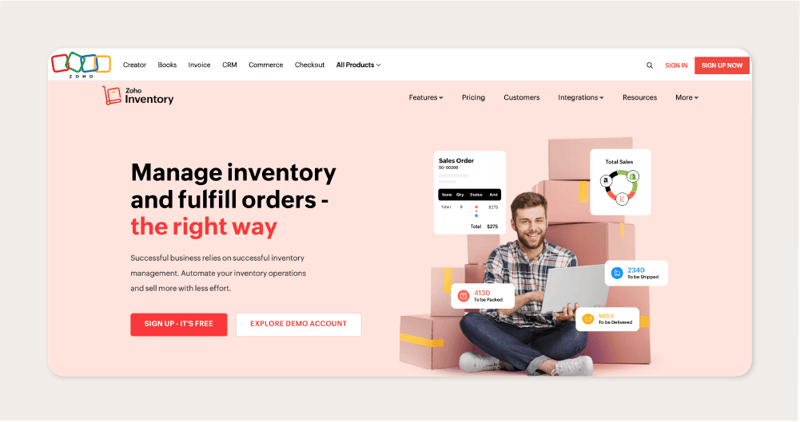
Why we picked it: For quickly growing businesses, Zoho is a compelling choice. With key features available at a more affordable price than most competitors, young companies can get inventory management support at value.
Offering order management, inventory tracking, product bundling, kitting, and more, Zoho allows up-and-coming companies to streamline their operations and focus on growing their business. The one downside is that Zoho integrates with fewer marketplaces than competitors, limiting the sales channels that businesses can take advantage of.
Pricing
- Free plan
- Standard: $29/month
- Professional: $79/month
- Premium: $129/month
- Enterprise: $249/month
Free trial: 14-day free trial
| Pros | Cons |
| Affordable option | Limited marketplace integrations |
| Supports order management, inventory tracking, product bundling, and knitting | Limited sales channels |
7. Fishbowl
Best for large manufacturers/e-commerce companies
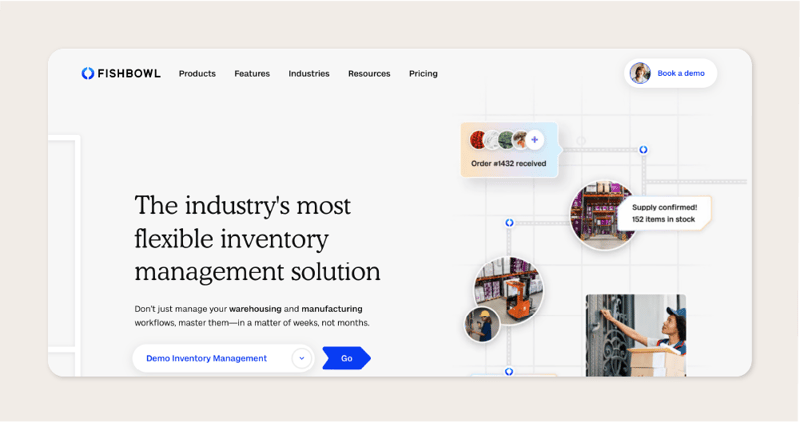
Why we picked it: Fishbowl is a great choice for large companies, namely manufacturers and e-commerce businesses, looking to streamline production processes and improve warehouse management.
For manufacturers, Fishbowl can be particularly valuable — the solution allows businesses real-time tracking as parts move through assembly, storage, and fulfillment. For e-commerce companies, Fishbowl integrates with sales channels, supports product bundling, and recommends substitute products when items are out of stock while maintaining visibility across multiple storage locations.
Pricing
- Fishbowl Drive:
- Warehouse: Starting at $329/month
- Manufacturing: Coming soon
- Fishbowl Advanced:
- Warehouse: Starting at $329/month
- Manufacturing: Starting at $429/month
Free trial: No free trial; demo available on request
| Pros | Cons |
| Real-time tracking for manufacturers | No free trial |
| Integration with sales channels | Not ideal for small businesses |
| Product bundling and substitute product recommendations |
8. Ordoro
Best for multichannel e-commerce
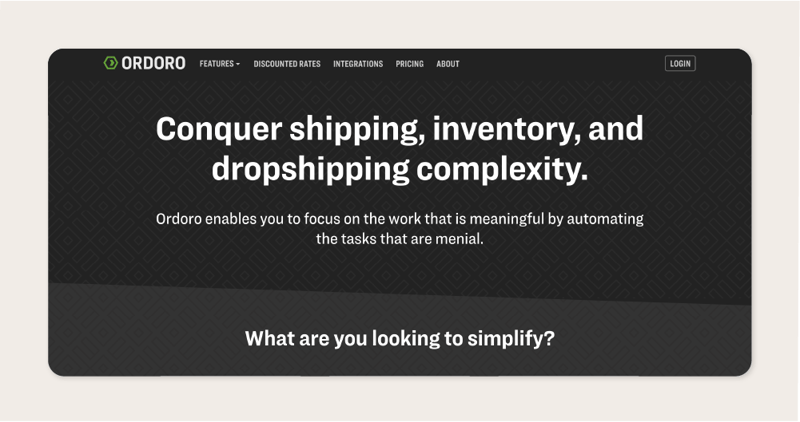
Why we picked it: With strong multi-channel sales capabilities, Ordoro serves as a comprehensive inventory management software built for e-commerce companies looking to improve their sales process and centralize their inventory system.
Ordoro allows product sellers to improve the sales process by automatically forwarding orders to warehouses and other vendors for order fulfillment. Beyond this, the software also creates purchase orders based on forecasting.
Pricing
- Essentials: Free
- Advanced: $59/month
- Premium: $149/month
Free trial: 15-day free trial
| Pros | Cons |
| Multi-channel sales capabilities | May not be suitable for businesses with simple inventory needs |
| Automated order forwarding | |
| Purchase order creation based on forecasting |
9. Sortly
Best for small businesses
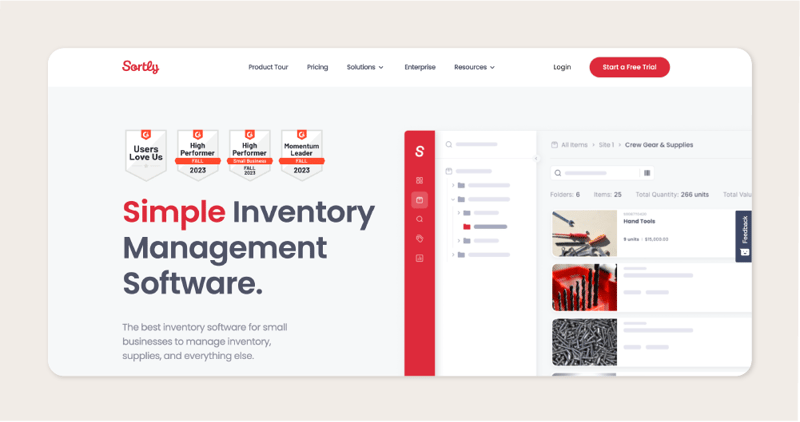
Why we picked it: Sortly isn’t a comprehensive inventory management software like some of the solutions we listed above. But Sortly can be extremely effective for small businesses looking for affordable asset-tracking software that sets reorder points and notifies you when inventory levels are low.
Since it’s a less advanced software, it’s fairly intuitive, has a library of resources and training material on its site, and phone support.
Pricing
- Free plan
- Advanced: $49/month
- Ultra: $149/month
- Enterprise: Available on request
Free trial: 14-day free trial
| Pros | Cons |
| Easy to use | Not as comprehensive as other inventory management software |
| Affordable | May not be suitable for businesses with complex inventory needs |
| Intuitive interface with library of resources and trainings |
10. Monday.com
Best free option
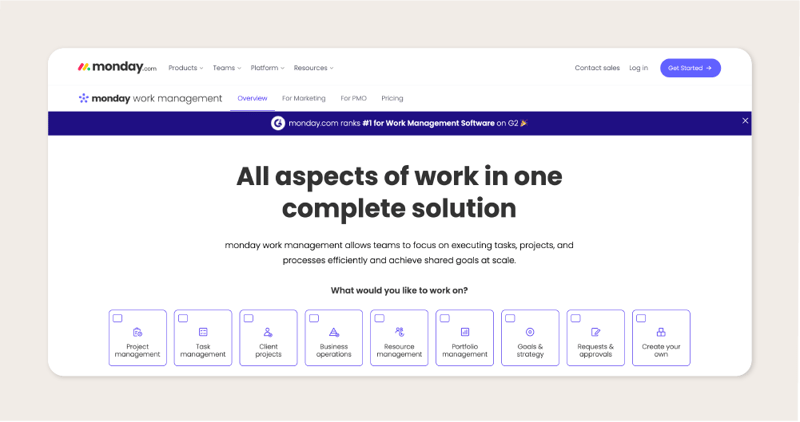
Why we picked it: While it wasn’t specifically created for inventory management, Monday.com’s versatile and customizable features cater to the unique needs of businesses managing diverse inventory portfolios. The platform provides a visual and collaborative workspace to streamline communication, track inventory levels, and manage supply chains efficiently.
The ability to create customized workflows and automation also helps reduce the time it takes to complete routine tasks and reduces the likelihood of errors in inventory tracking.
The free plan option makes it particularly appealing for small businesses or startups looking to optimize their inventory management processes without incurring extra costs.
Pricing
- Free plan
- Basic: $8/month
- Standard: $10/month
- Pro: $16/month
- Enterprise: Available on request
Free trial: 14-day free trial
| Pros | Cons |
| Affordable | Not specifically designed for inventory management |
| Custom workflows and automation | May require additional setup and customization |
| Free plan has limited features |
Inventory Management Software Frequently Asked Questions
What Features Does the Best Inventory Management Software Have?
The best inventory management features vary widely depending on industry needs, so you should ensure your selected software comes with the features you need to run your specific business efficiently.
For example, a clothing retailer will approach inventory management much differently than a food and beverage vendor because they can afford to keep clothing on the shelves longer. The same is true for a discount shop (a highly competitive market) versus a luxury car brand, which can enjoy a lower inventory turnover ratio.
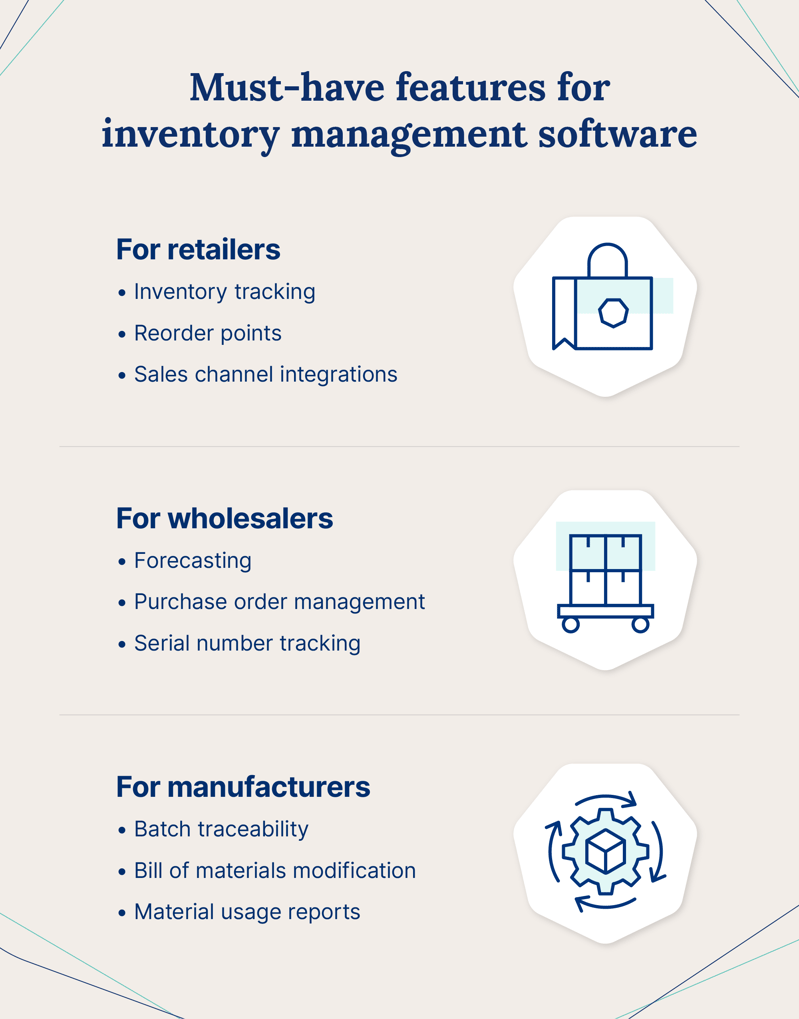
Here are a few industry-specific must-have features for inventory management:
For Retailers
The key pillar of retail inventory management is maximizing sales while avoiding being out of stock or overstocking. As a result, there are some core components the best inventory management software for retailers include. These are:
- Inventory tracking: As a retailer, you need to know when your inventory is moving through the supply chain. Ensure you get a solution with features like real-time inventory tracking.
- Reorder points: It’s crucial that your shelves stay stocked. Make sure you’re selecting a solution that allows you to set automated reorder points so you’re never left without inventory.
- Multichannel inventory management: If you sell products through multiple sales channels, look for a solution that allows you to keep your data in one place so you can see how it all connects and manage stock across multiple storefronts and warehouses.
- Reporting: The best retail inventory management software allows you to create customized reports on forecasting, profitability, and specific product sales.
- Sales channel integrations: Look for a solution that integrates into many e-commerce channels, like Amazon, Shopify, eBay, and more.
For Wholesalers
Fulfilling orders on time is paramount in wholesale inventory management, and the best inventory management software makes it simple for wholesalers to track orders and ensure processes go smoothly. Key features include:
- Forecasting: Making data-driven decisions is crucial in wholesale inventory management. The best solutions record sales data and inventory levels so you can accurately forecast.
- Multi-channel integration: Unifying your sales channels in one place allows for a seamless flow of information and operations.
- Purchase order management: For wholesalers, purchase order management is key to ensuring purchase data is always correct and current.
- Serial number tracking: In wholesale, you’ll want to track individual units from production to sale. Serial number tracking is the best way to accomplish this.
- 3PL integrations: Automated 3PL allows you to see all of your inventory across different stock locations in one centralized platform, while supporting smoother warehouse management.
For Manufacturers
Manufacturers need an inventory management tool that will track assets from purchase to sale and allow visibility into the production process. The best software includes:
- Batch traceability: Batch traceability allows you to monitor batches of goods that you manufacture and distribute. This can be a valuable tool for maintaining quality control standards since you can precisely identify the origin and journey of each batch.
- Bill of materials (BOM) modification: You will often need to modify your bill of materials (a list of components needed to manufacture a product) during the manufacturing process, so it’s important to use a solution that can update BOM on the fly.
- Virtual stock: Virtual warehouses can provide insight into inventory levels, demand changes, and more, allowing you to make more informed decisions.
- Material usage reports: Material usage reports detail the goods used during an accounting period so you can stay on top of production costs.
- Custom workflows: You’ll want to find a solution that works with your processes. Look for software that allows you to build custom workflows that are best for your business.
What to Consider when Choosing an Inventory Management Software
Beyond industry-specific capabilities, some universal considerations to remember when selecting the right inventory management software for your business include:
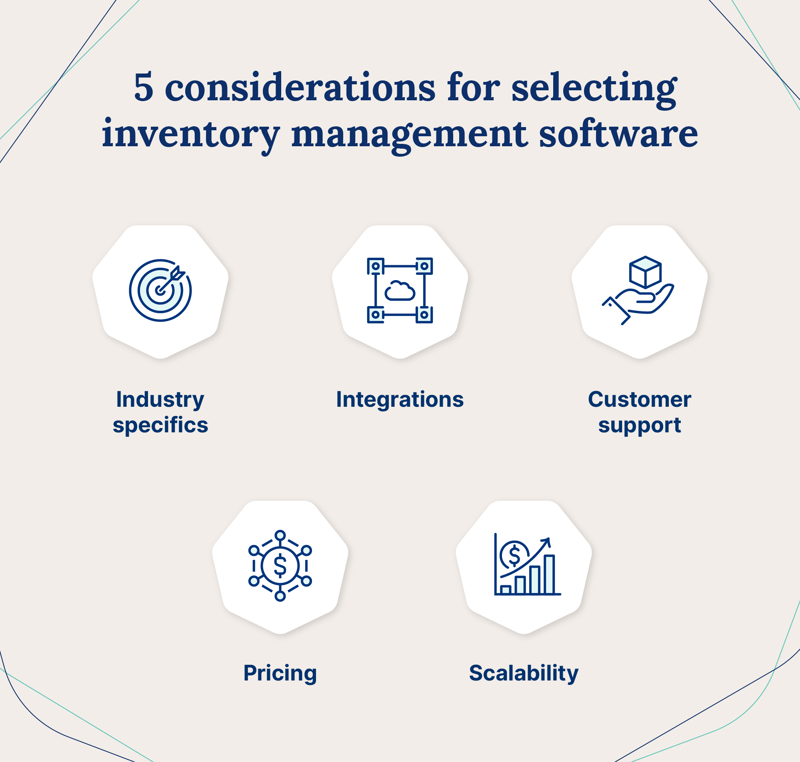
- Integrations: To get the most out of your inventory management software, you’ll want to make sure it integrates with all your sales channels, accounting software, shipping carriers, and more.
- Customer support: A strong onboarding process and customer support can help you get the most out of your software. Look for a company that invests in onboarding and training resources.
- Pricing: Inventory management software has differing prices for different plans. Select a plan that fits your company size and budget to ensure you’re not paying for features you don’t need.
- Scalability: The goal is always to grow your business, so select software that can adapt and grow with you.
How to Compare Inventory Management Software at a Glance
With so many inventory software options available, narrowing down your shortlist can be challenging. Before committing to a demo or free trial, compare solutions across these core criteria:
- Deployment type: Is the inventory system fully cloud-based, hybrid, or on-premise? Cloud solutions offer easier remote access and faster implementation.
- User limits: Some inventory and warehouse management platforms charge per user or limit access by role. Make sure pricing aligns with your team size.
- Inventory complexity support: Consider whether the inventory system supports multi-location tracking, bundled products, serialized inventory, or lot tracking.
- Customization level: Determine whether workflows, dashboards, and reports can be tailored to match your processes and needs.
- Implementation timeline: Some enterprise systems require months of onboarding, while others can be live in days.
Creating a comparison checklist before speaking with vendors can help you avoid paying for unnecessary features or selecting a system that doesn’t scale with your business operations.
What is the Best Way to Keep Track of Inventory?
Streamlining your sales, manufacturing, and distribution process is a critical part of growing your business, and robust inventory management software is a worthy investment that can help accomplish this. The right inventory management software can improve your internal processes and give you insights into your sales numbers, product performance, and customer base.
While choosing a solution may be daunting, the results tend to speak for themselves. At Cin7, we help our customers place over 125 million orders per year, resulting in well over $35 billion in gross merchandise value annually. As sales processes evolve and change, we pride ourselves on our ability to adapt and help businesses grow.
How does inventory management software improve inventory accuracy?
Inventory management software improves accuracy by automating stock updates and reducing manual data entry. Inventory levels adjust in real time as products are received, sold, returned, or transferred, which keeps records aligned with physical stock.
Barcode and mobile scanning tools further reduce human error during receiving, picking, and cycle counts. By centralizing sales, purchasing, and warehouse data in one system, businesses minimize discrepancies, shrinkage, and fulfillment mistakes.
Can Inventory Management Software Help with Demand Forecasting?
Yes. Many inventory management systems use historical sales data to predict future demand. They analyze trends such as seasonality, sales velocity, and supplier lead times to recommend when and how much to reorder.
Automated reorder points help prevent stockouts while avoiding excess inventory. With data-driven forecasting, businesses can make more confident purchasing decisions and maintain healthier cash flow.
What Metrics Should I Track Using Inventory Management Software?
Key metrics include inventory turnover, stockout rate, carrying cost, and order accuracy. Inventory turnover shows how efficiently products sell. Stockout rate measures lost sales due to unavailable items.
Carrying cost helps you understand the expense of holding inventory, while order accuracy reflects fulfillment performance and customer satisfaction. Monitoring these metrics helps improve profitability and operational efficiency.
Looking to get off spreadsheets for good? Start your 14-day free trial to see what our products can do for you.
More from the blog
View All Posts
FMCG Inventory Management That Keeps Pace With Demand
Read More
10 best software solutions for small business management in 2024
Read More
